Supercharge Remote Working
How to deliver the best remote working experience with VDI
It’s time to make remote working simple, secure and more reliable for your users. Modern VDI (virtual desktop infrastructure) gives employees a responsive remote desktop they can work at anywhere.
Use this guide, and talk to Lenovo® experts, to compare VDI solutions and choose the best features for your business.
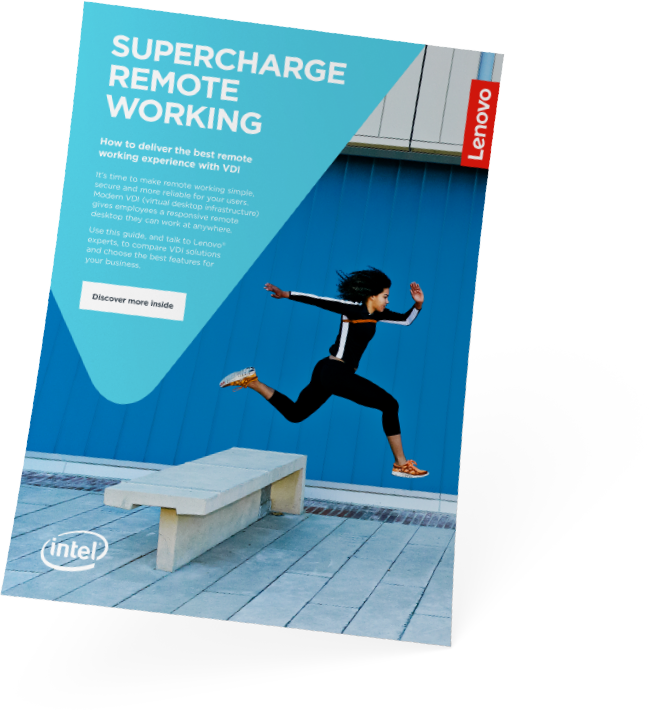
Understand VDI and compare solutions
Every business has different remote work needs. Which solution is right for your users? This Lenovo booklet answers your questions and helps you compare options.
Consistent Performance
Eliminate boot storms and high latency with high-speed NVMe flash caching and dedicated compute pools.
Centrally Secured Data
Keep intellectual property and sensitive corporate databases securely inside your data center, not on endpoint devices.
Rapid User Provisioning
Spin up hundreds of virtual work environments in minutes for contractors, new hires, and remote branches.
Discuss your needs with an expert
Lenovo VDI experts are here to answer your questions and tailor the best solution for your specific requirements.